



 Seong-lae Cho
Cube
영상 프리셋 'LUTs' 적용법 : 노마드로그
안녕하세요, 노마드로그입니다 :)저번 포스팅에서는 사진을 예쁘게 보정하는 '라이트룸 프리셋 적용법'을 알려드렸었는데요,이번에는 영상을 편하게 보정할 수 있는 '러트(LUTs)'의 적용법을 설명드릴게요!1. 영상 편집 프로그램 '프리미어(Premiere Pro)' 실행하기- 본 화면은 'MAC OS' 버전으로, 타 운영체제 버전과 약간의 차이가 있을 수 있습니다.2.

https://nomadlog.net/81/?q=YToxOntzOjEyOiJrZXl3b3JkX3R5cGUiO3M6MzoiYWxsIjt9&bmode=view&idx=1263217&t=board&category=831J7I842T
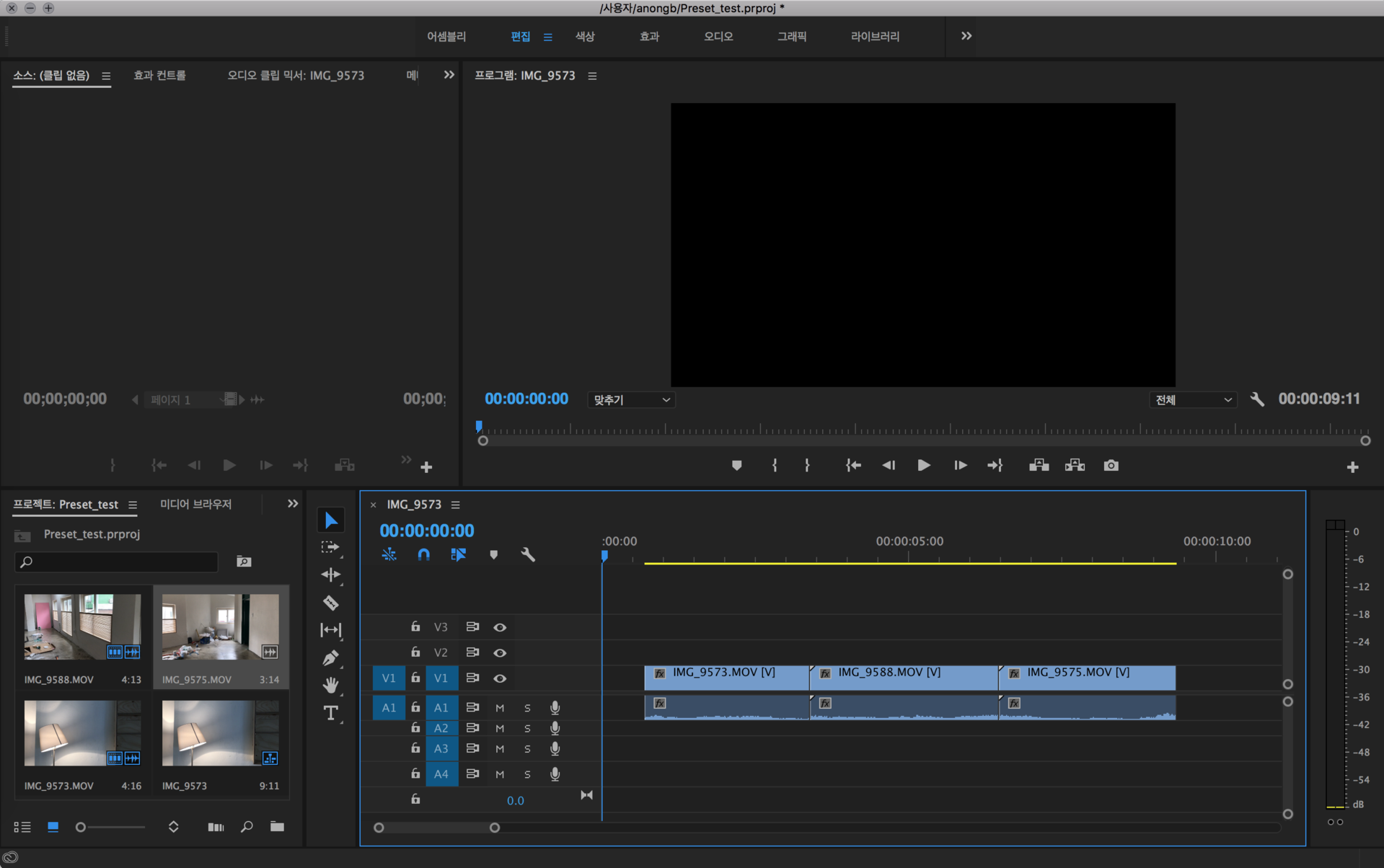
<윈도우 운영체제>
C:\Program Files\Adobe\Adobe Premiere Pro CC 2019\Lumetri\LUTs\Technical
<맥 운영체제>
[Finder] - [응용프로그램] - [Adobe Premiere Pro 마우스 우클릭] - [패키지 내용보기] - [Contents] - [Lumetri] - [LUTs] - [Technical]
morgt
- 윈도우 – C:/Users/사용자/AppData/Roaming/Adobe/Common/Motion Graphics Templates/
- 맥 – [사용자계정]/Library/Application Support/Adobe/Common/Motion Graphics Templates/
prfpset
import
Smooth Zoom Transition Preset #adobe #premierepro #videoediting
This is an update for the Smooth Transitions Zoom Effects for Adobe Premiere Pro, which only contains the zoom presets. as this is a test version for the new upcoming Seamless transition Pack which will contain more.

https://www.chungdha.nl/?p=4520
