 Seonglae Cho
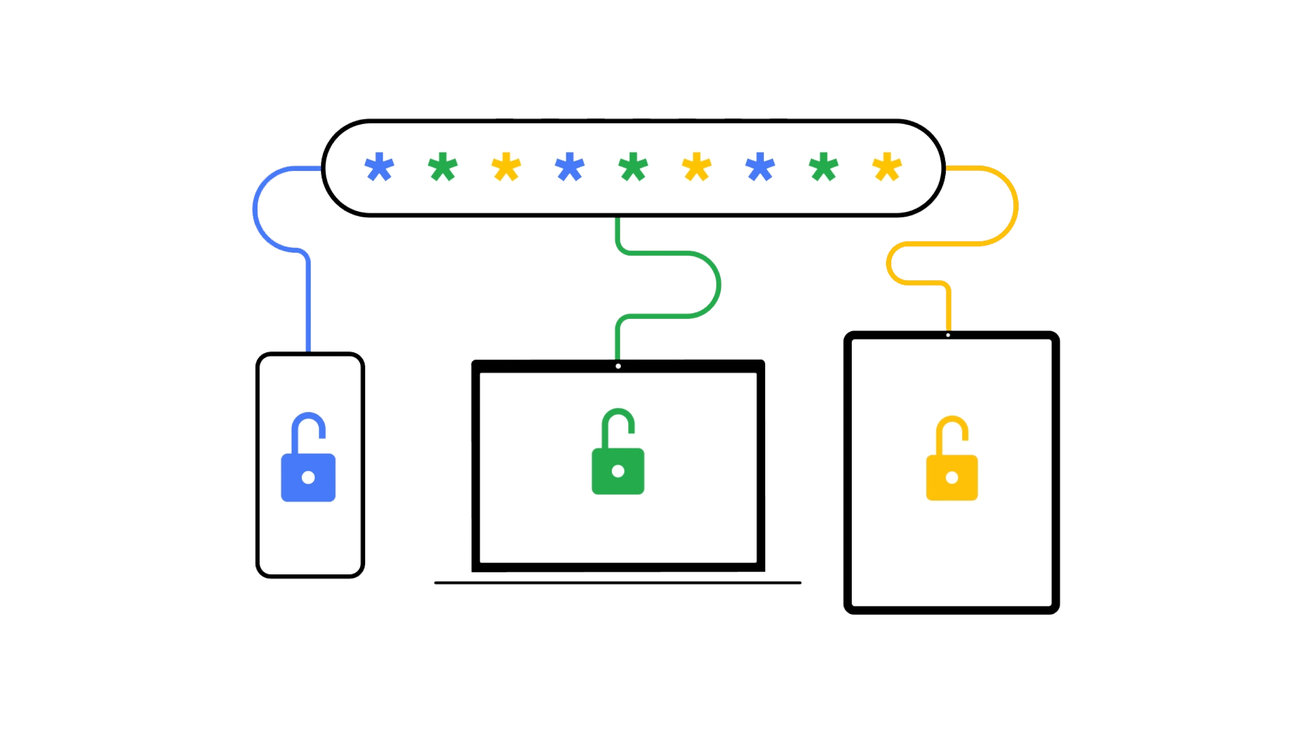
Google Password Manager - Manage Your Passwords Safely & Easily
Google Password Manager on iOS works best when you use it with Chrome web browser. First, turn on sync in Chrome. Then, make Chrome your AutoFill Passwords service: On your iPhone or iPad, open Settings. Scroll down and select Passwords. Select AutoFill Passwords and then Chrome. Select Turn on AutoFill.
https://passwords.google/
Google Password Manager Got So Many Sweet New Features
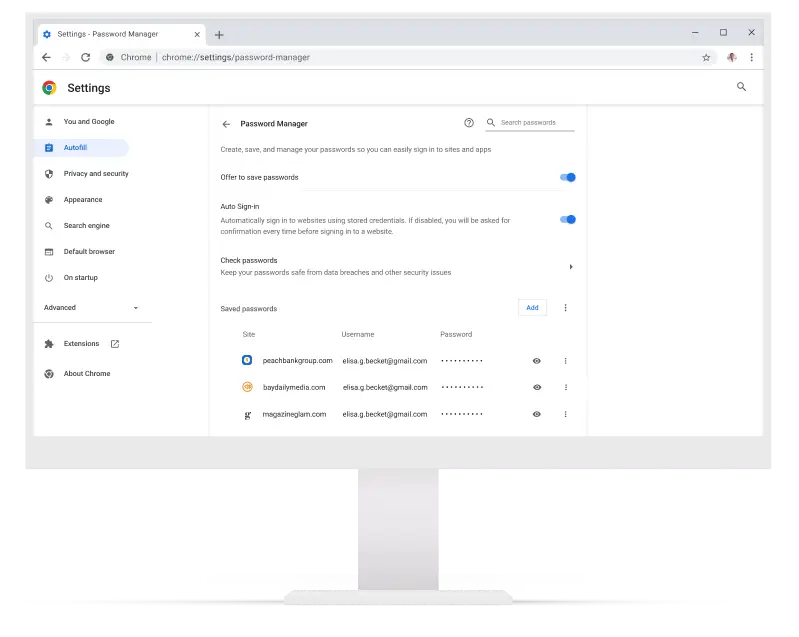
There are few tools I use as often as Google Password Manager, the built-in password locker you'll find for autofill settings in Android and iOS, as well as in Chrome. It saves an enormous amount of time during daily activities that often involve signing-in to a service or website or app.

https://www.droid-life.com/2022/06/30/google-password-manager-just-got-so-many-sweet-new-features/
Staying safe online with our updated Google Password Manager
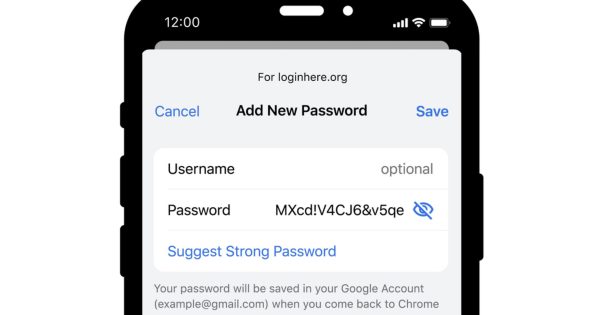
To help protect even more people, we're expanding our compromised password warnings to all Chrome users on Android, Chrome OS, iOS, Windows, MacOS and Linux. Google built its password manager to stay out of your way - letting you save passwords when you log in, filling them when you need them and ensuring they aren't compromised.
https://blog.google/products/chrome/password-manager-update/